How do I update my credit card?
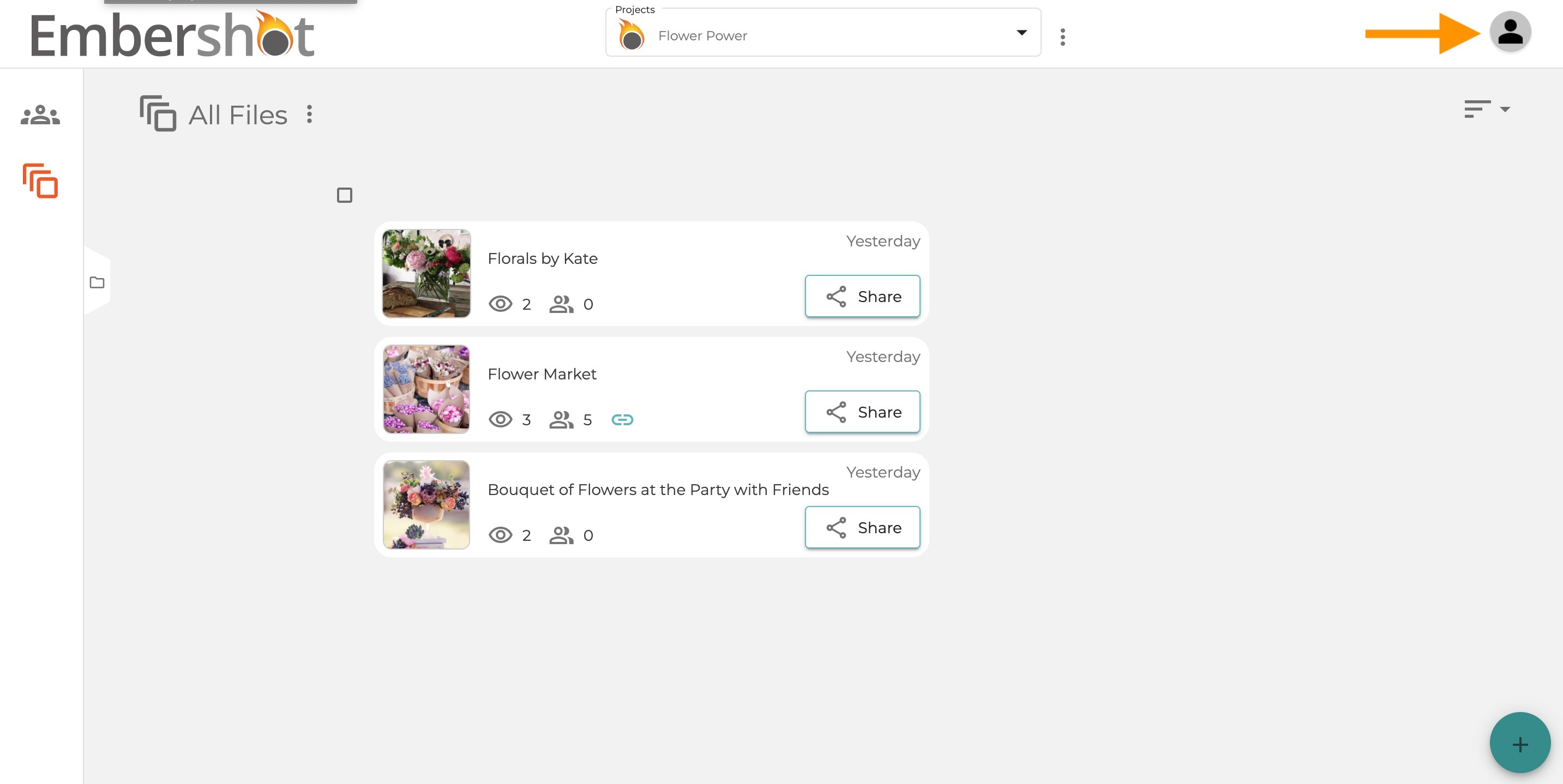
Step 1: Click the account icon in top right corner
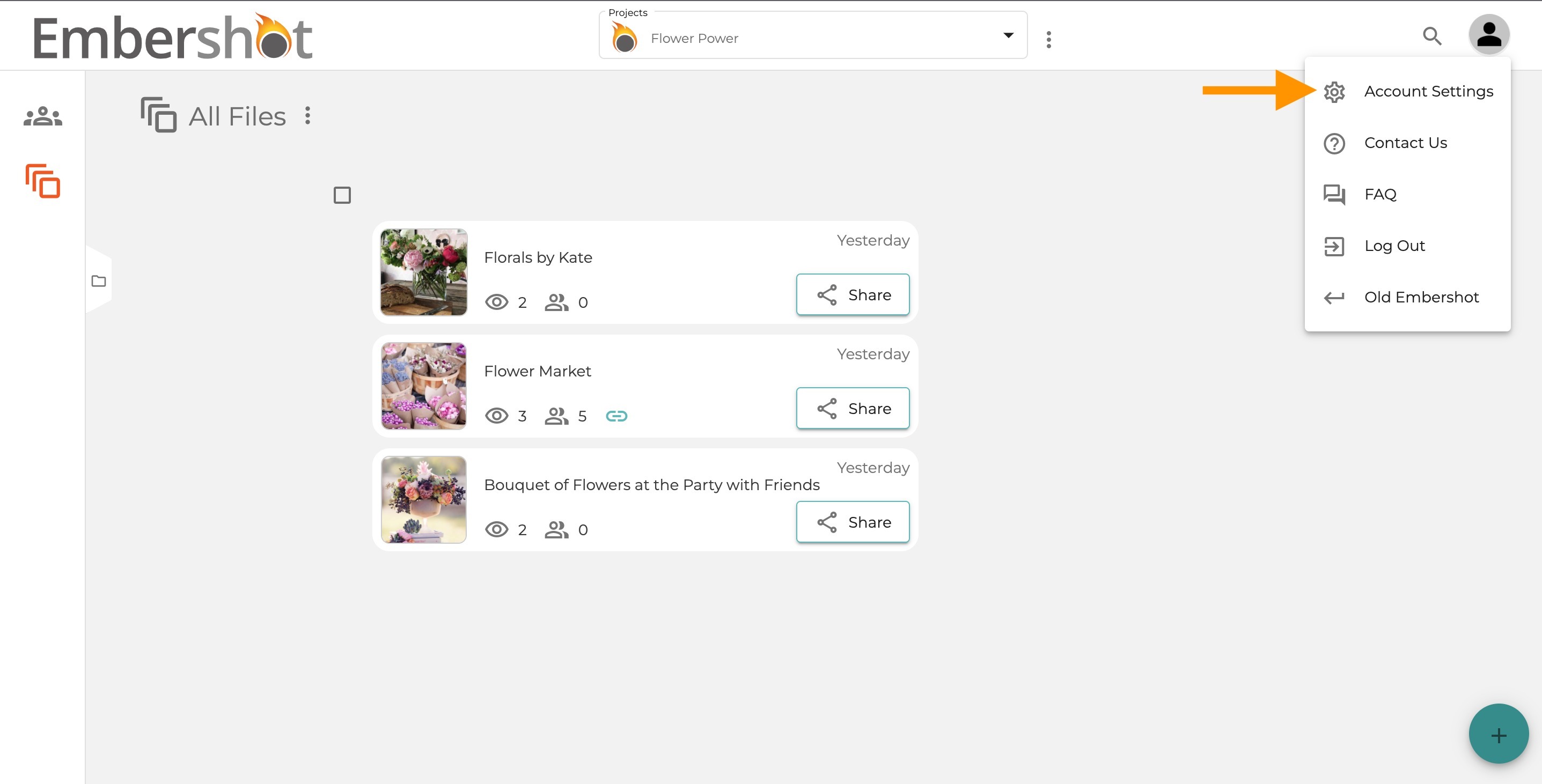
Step 2: Click on 'Account Settings'
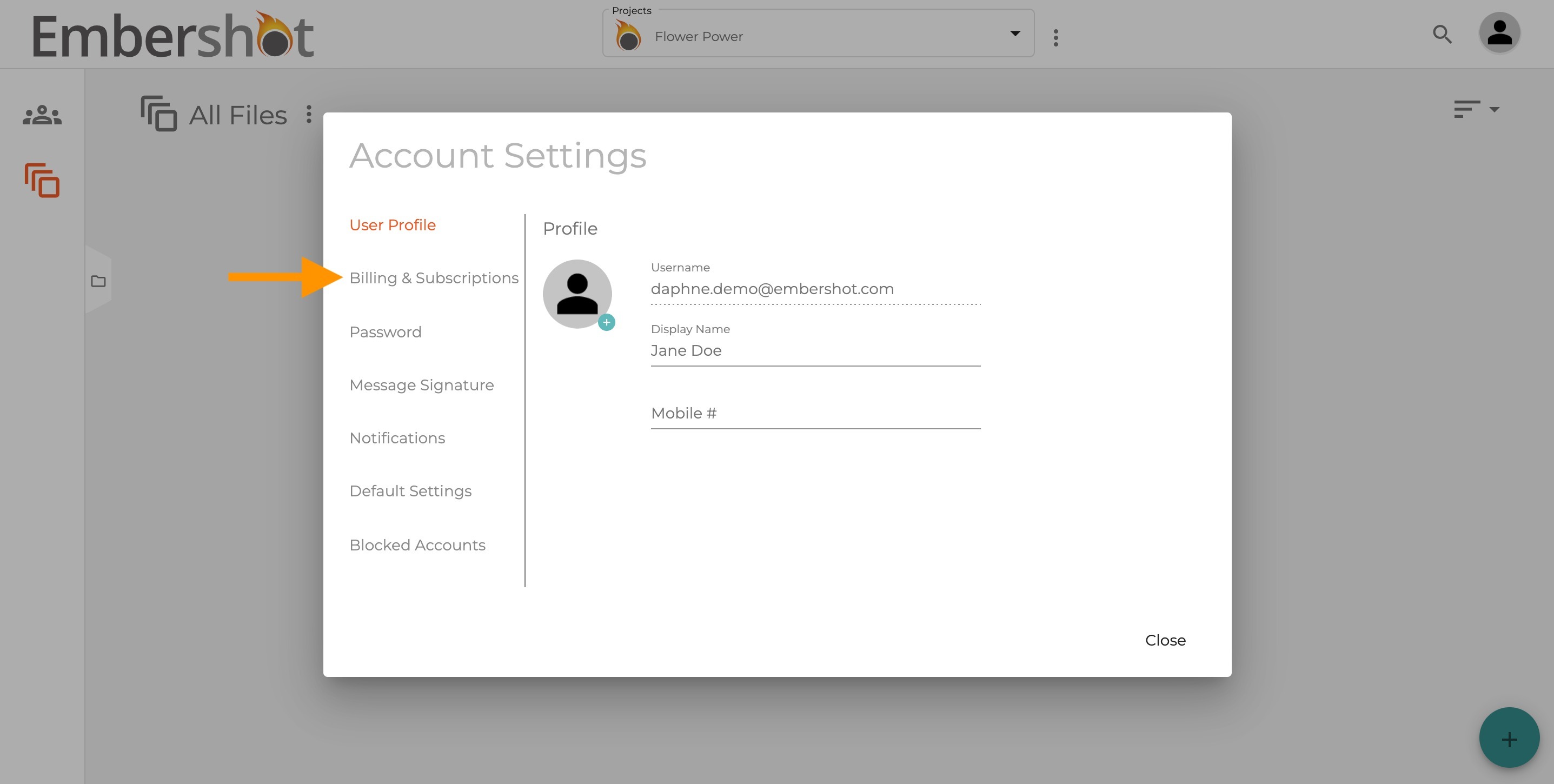
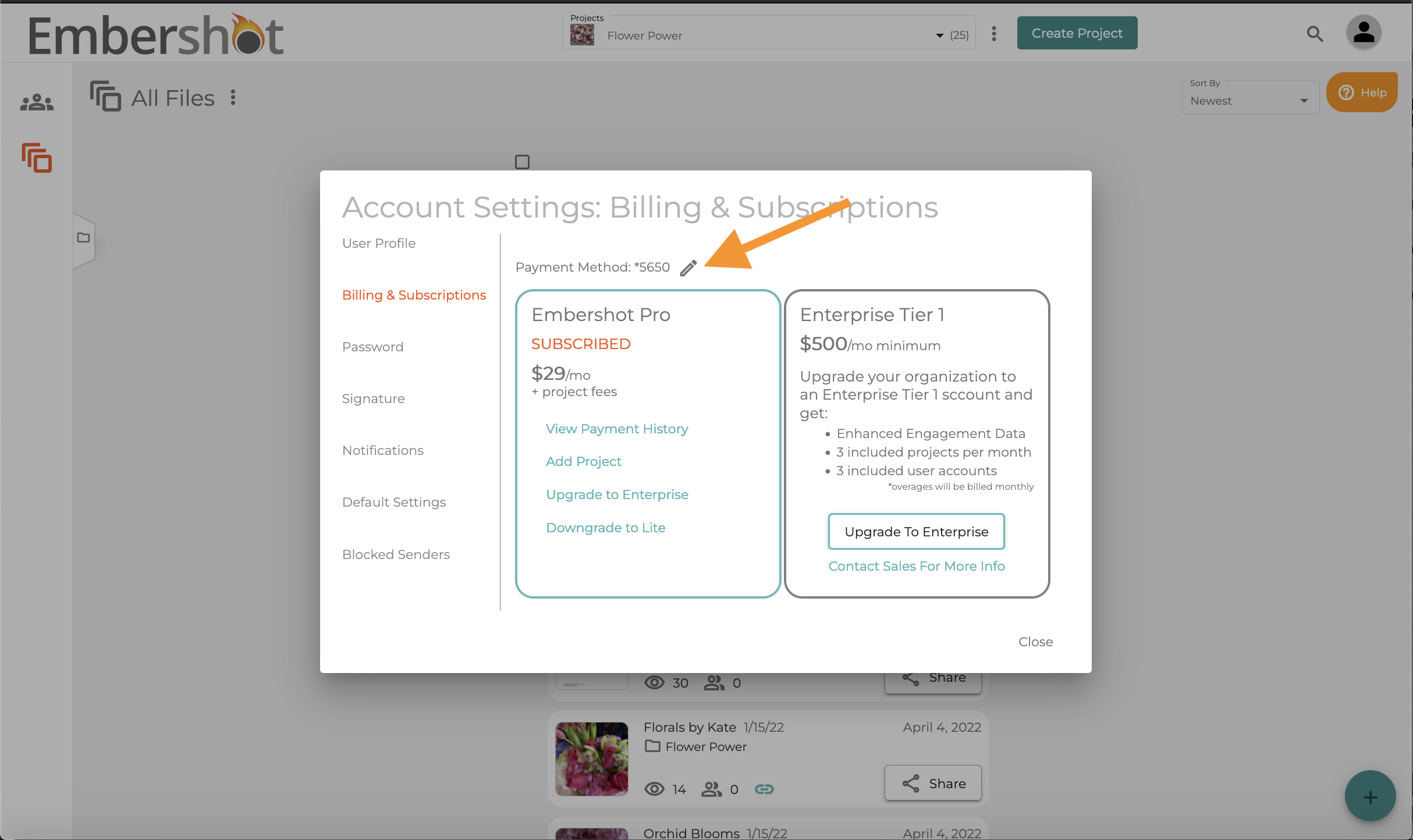
Step 3: Click on 'Billing & Subscriptions'
Step 4: Click on the edit icon next to the last four digits of your credit card
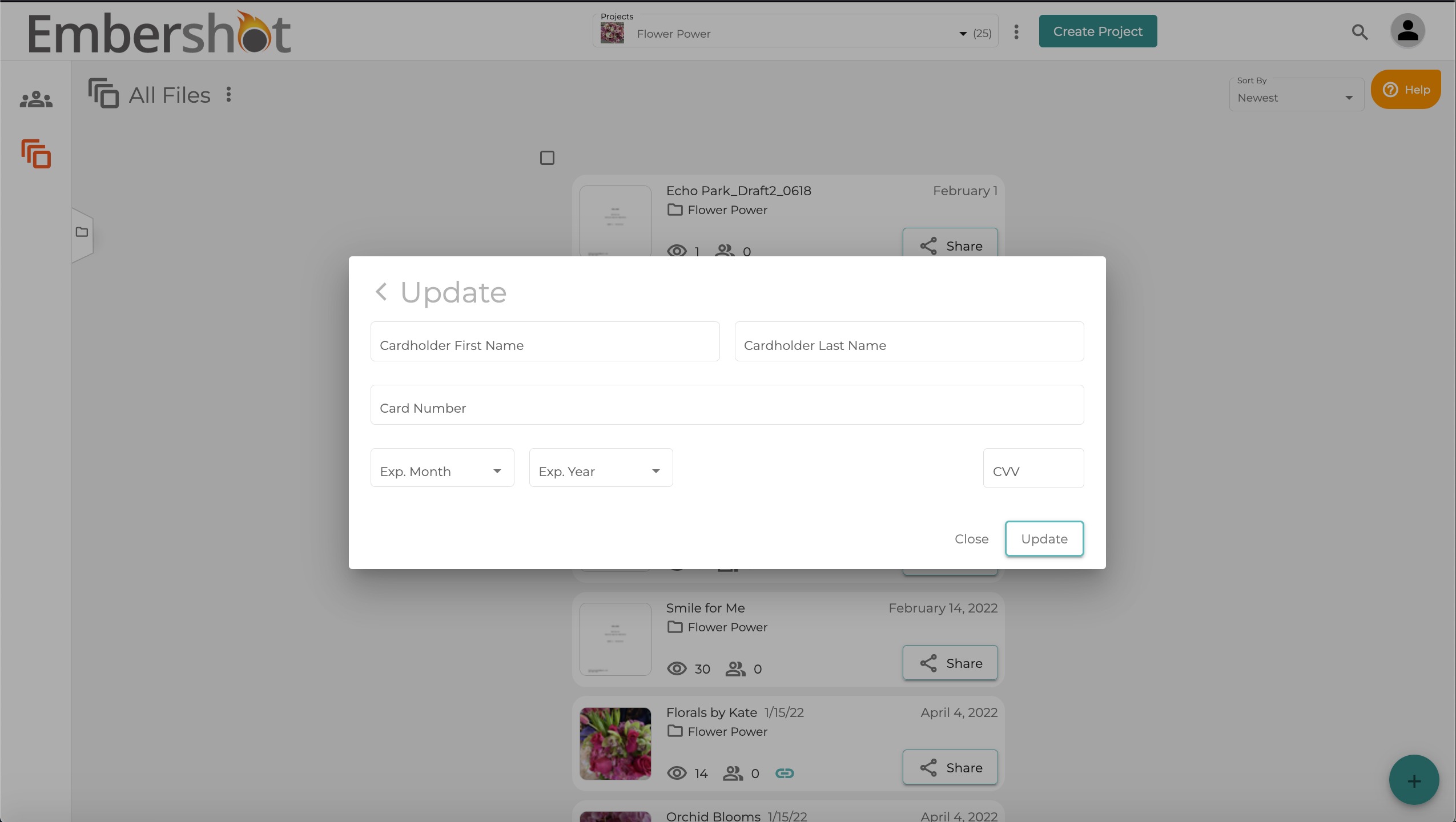
Step 5: Enter in your new credit card information and click "Update"