How to adjust an annotation's text size
Step 1: Click on the "tT" in the bottom left corner of the annotation box.
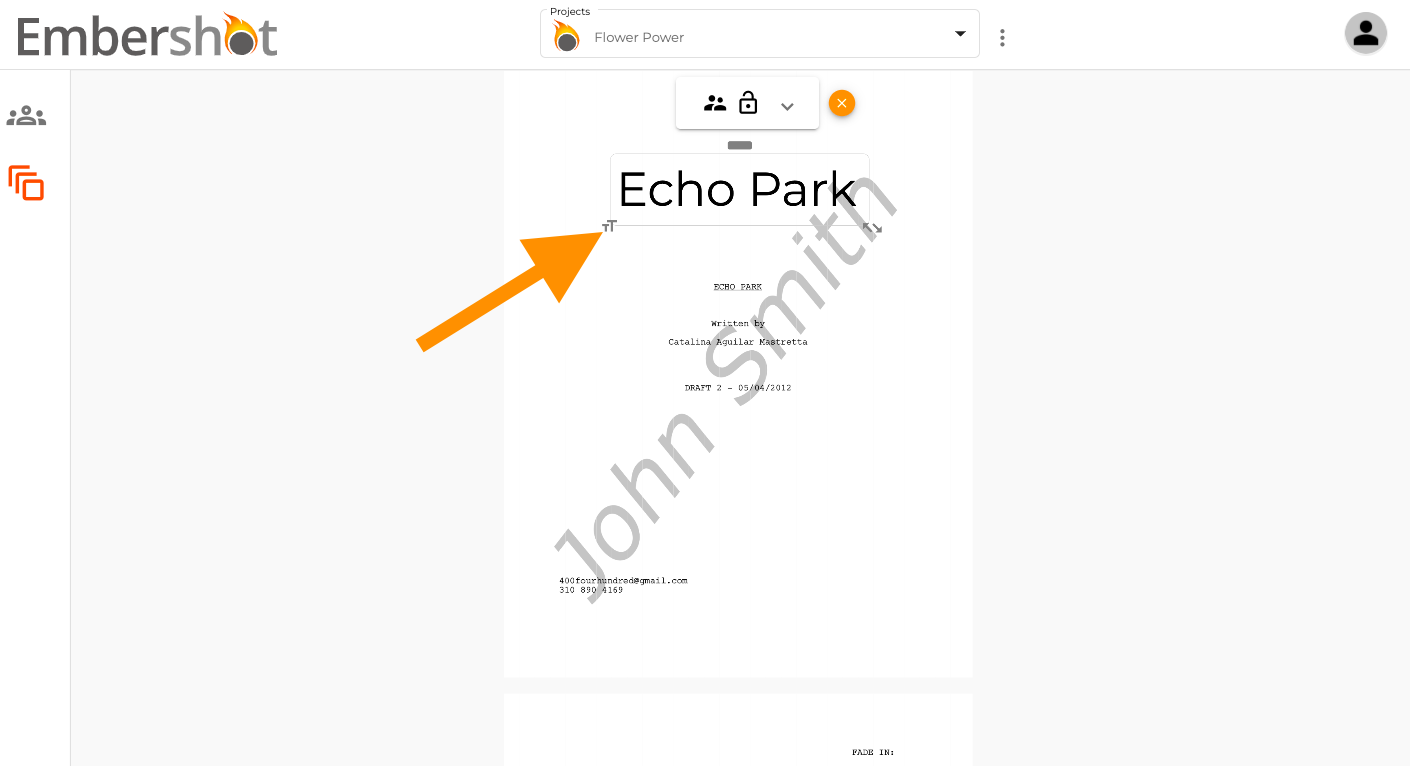
Step 2: Drag the "tT" downwards to make the text bigger or upwards to make the text smaller.
Step 1: Click on the "tT" in the bottom left corner of the annotation box.
Step 2: Drag the "tT" downwards to make the text bigger or upwards to make the text smaller.