How to allow or block annotations on a file
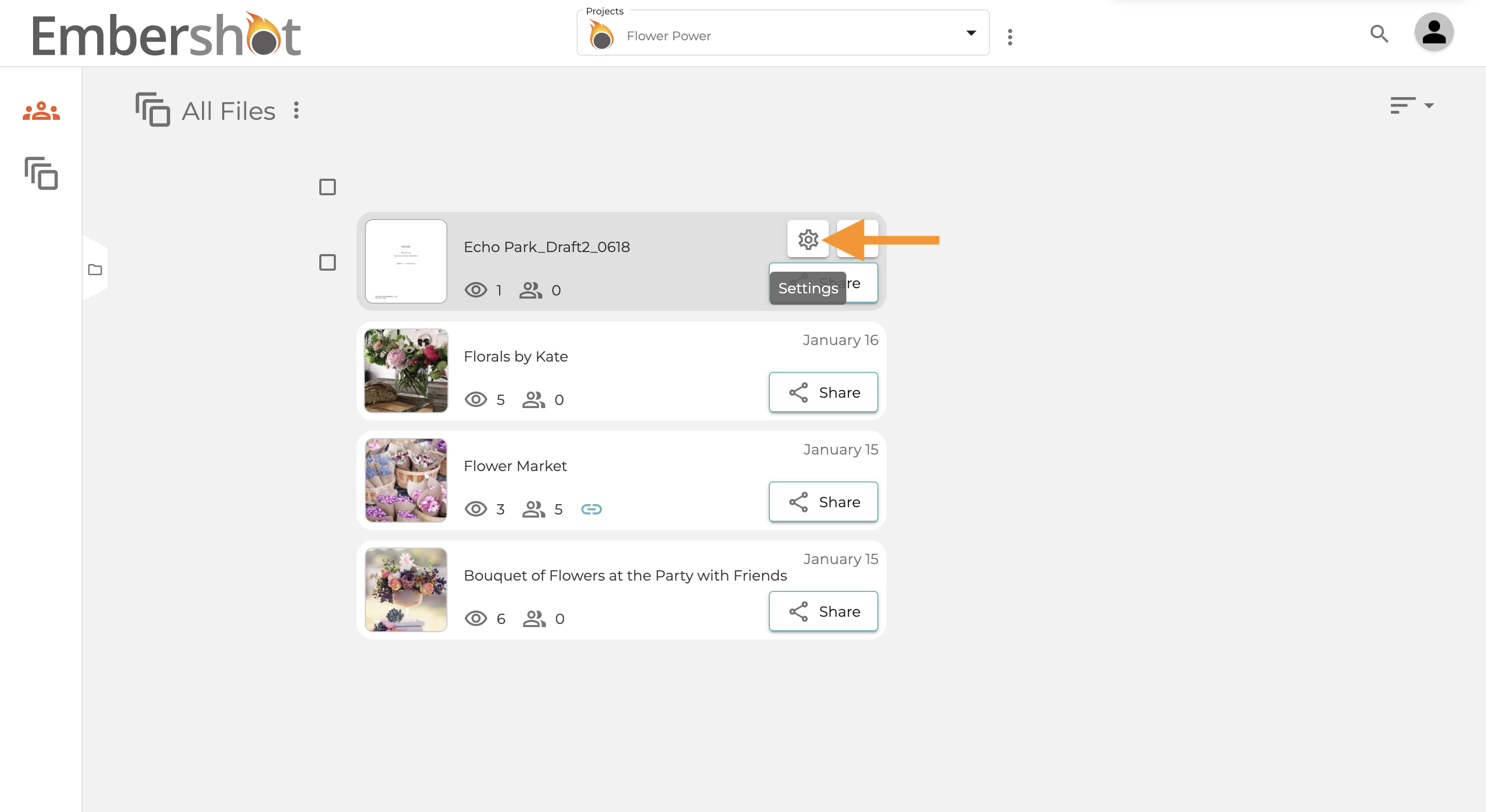
Step 1: Scroll to the file you wish to change individual annotations for and hover over it
Step 2: Select 'Settings'
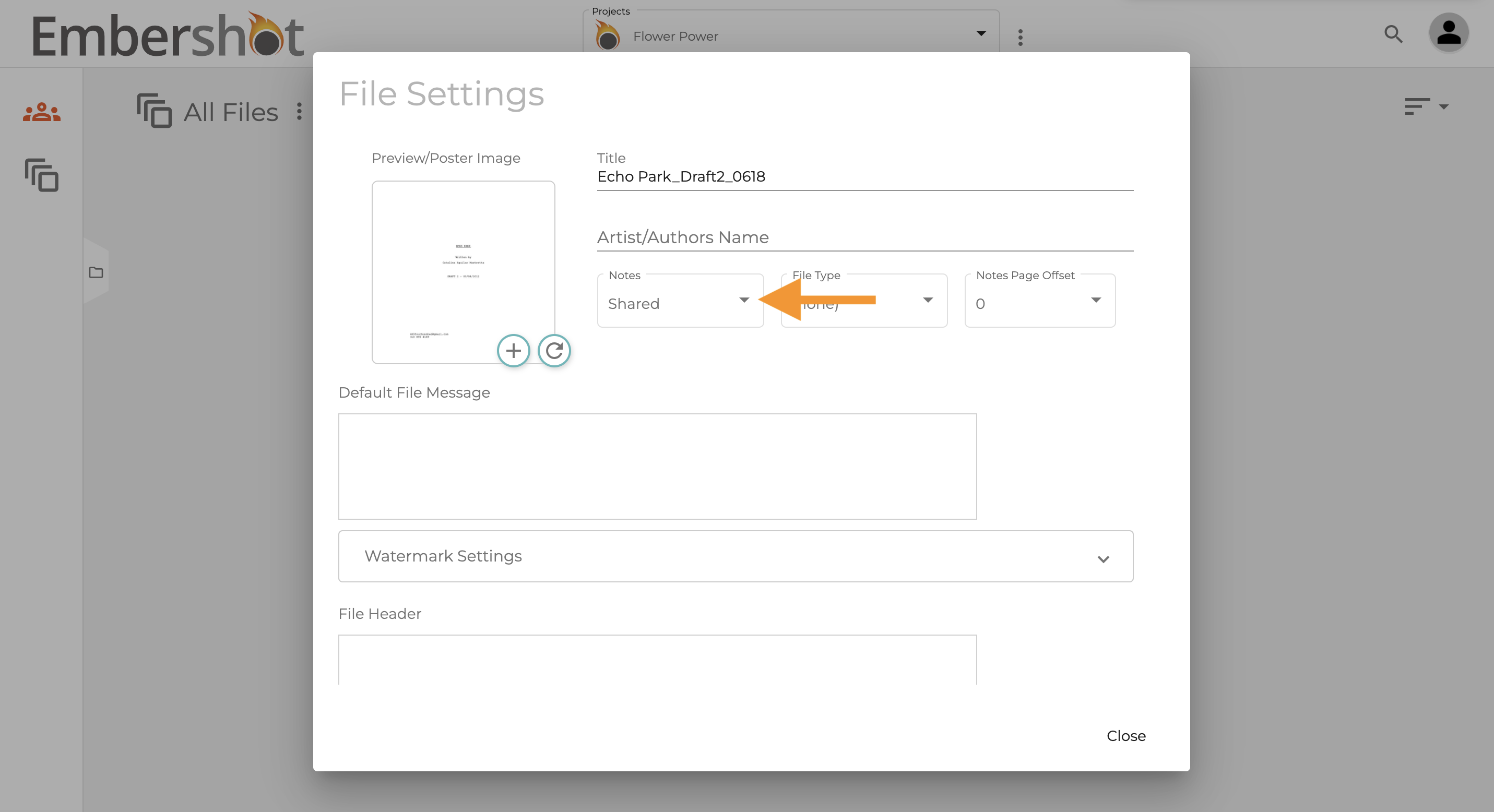
Step 3: Click on the drop down menu under 'Annotations' and choose 'Allowed' or 'Not Allowed'
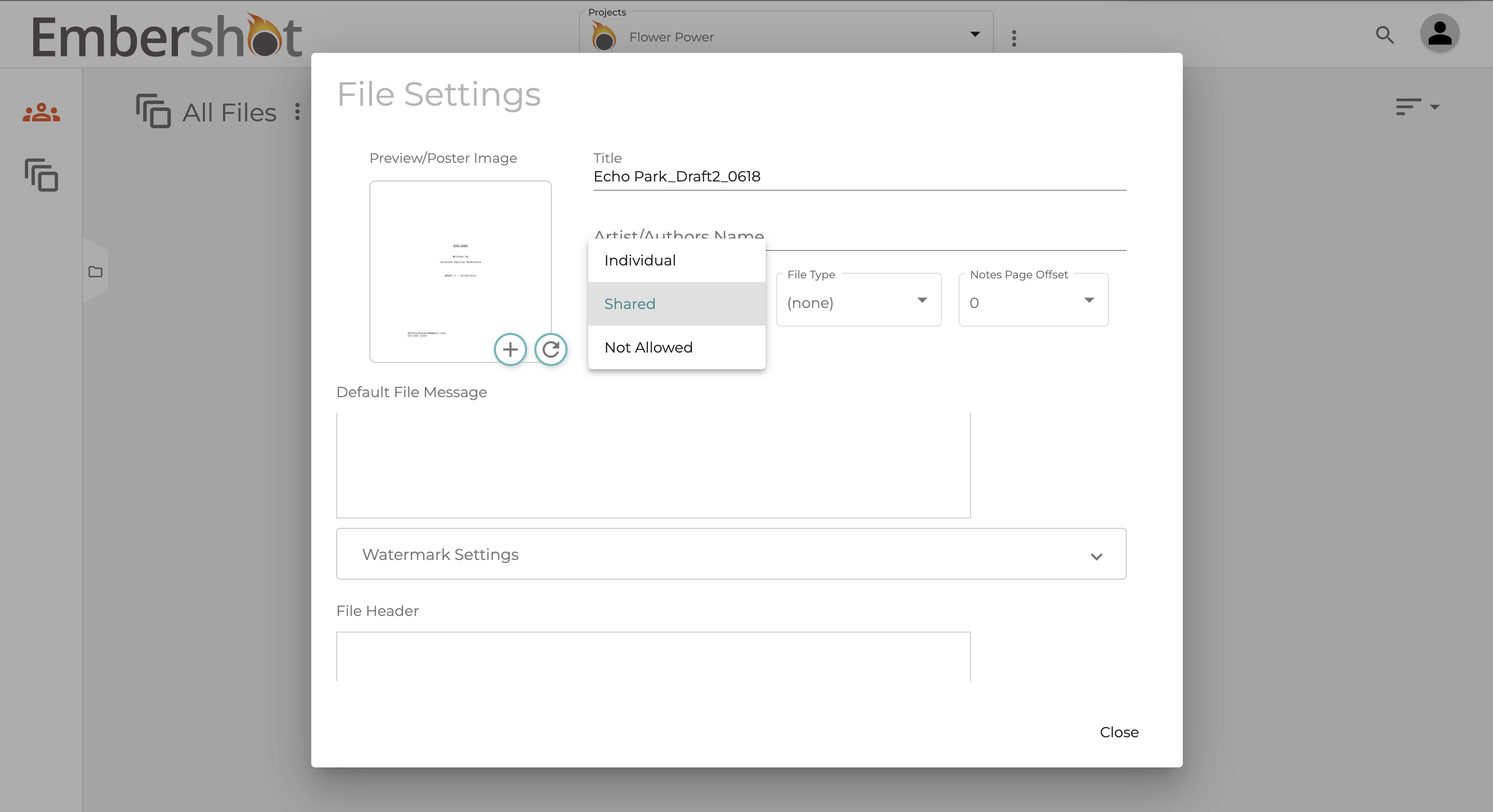
Note: If annotations are set to 'Not Allowed', the annotation toolbar does not appear when the file is opened.
Note: Whether readers can share their annotations with each other is set for the whole project, not per file. See 'How to turn annotation sharing on or off for a project'.