How to add users to your Enterprise
Only Enterprise Site Admins have the ability to add users to an Enterprise site.
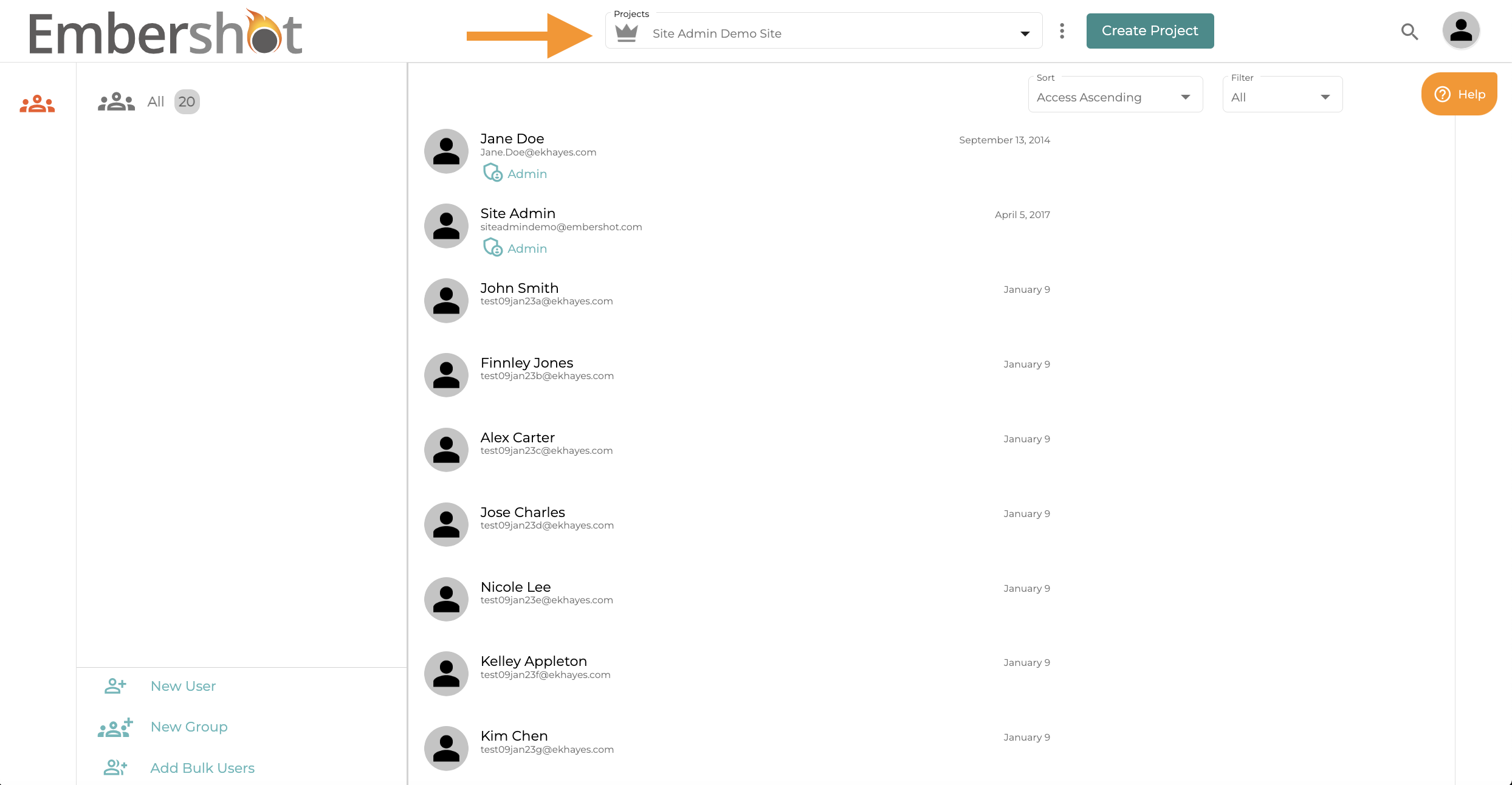
Step 1: Toggle to your site admin project
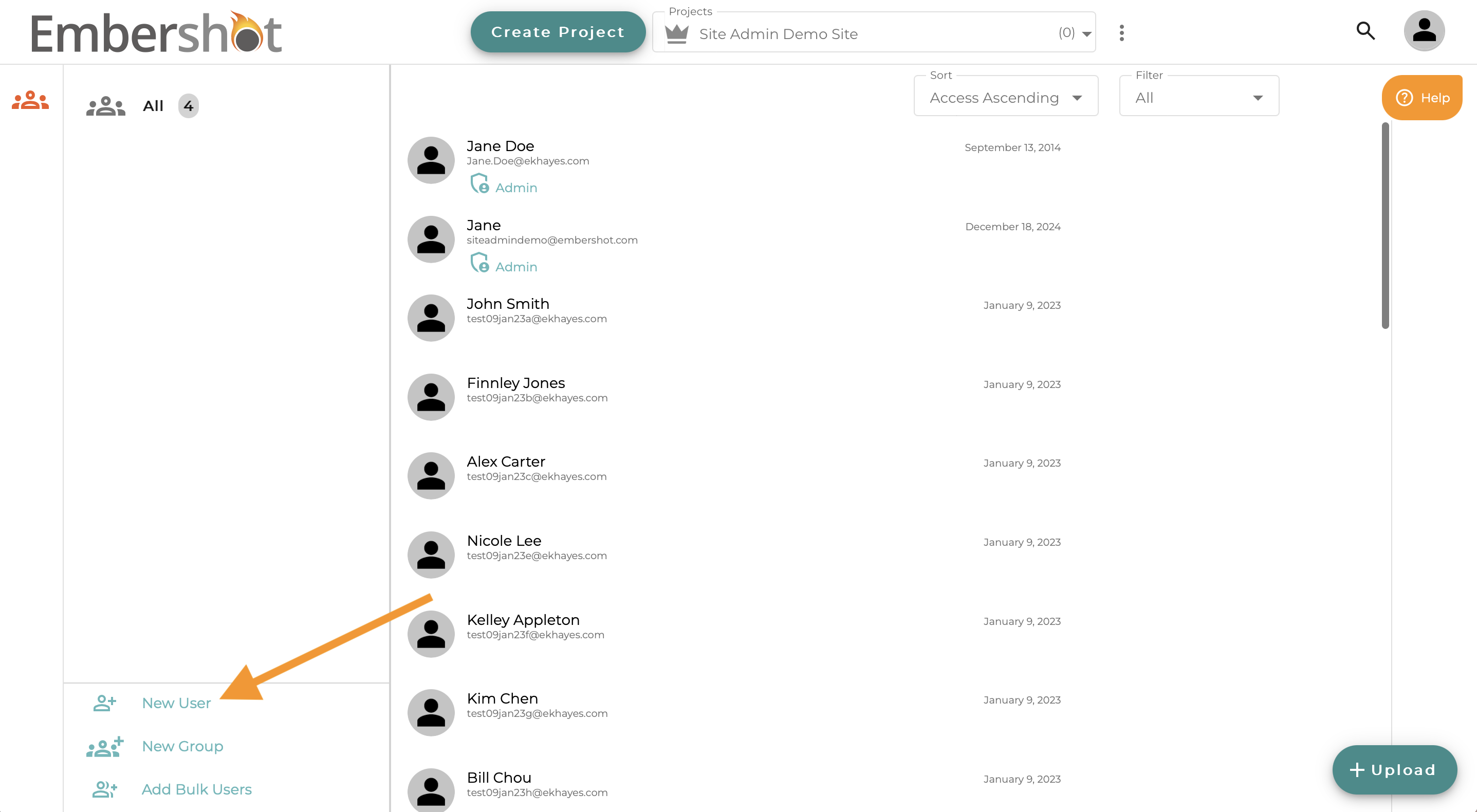
Step 2: Click the icon to add a New User
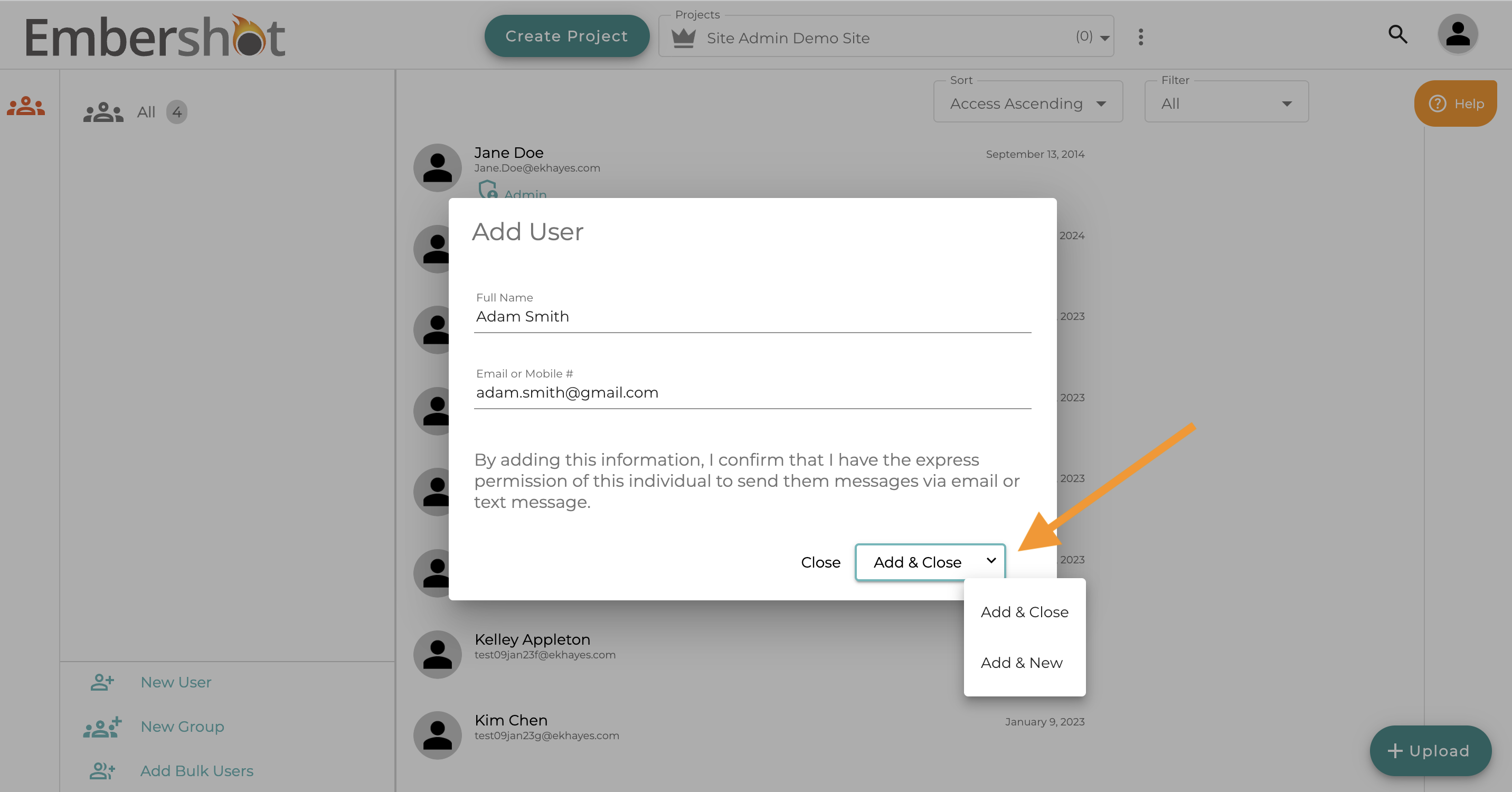
Step 3: Fill out the form fields and click dropdown menu to either add and close the pop-up, or to add and continue adding additional users.
Note: If you receive an error indicating the user exists on another site, contact support@embershot.com for assistance relocating them. Users with unaffiliated domain names must provide authorization before you can manage their account.
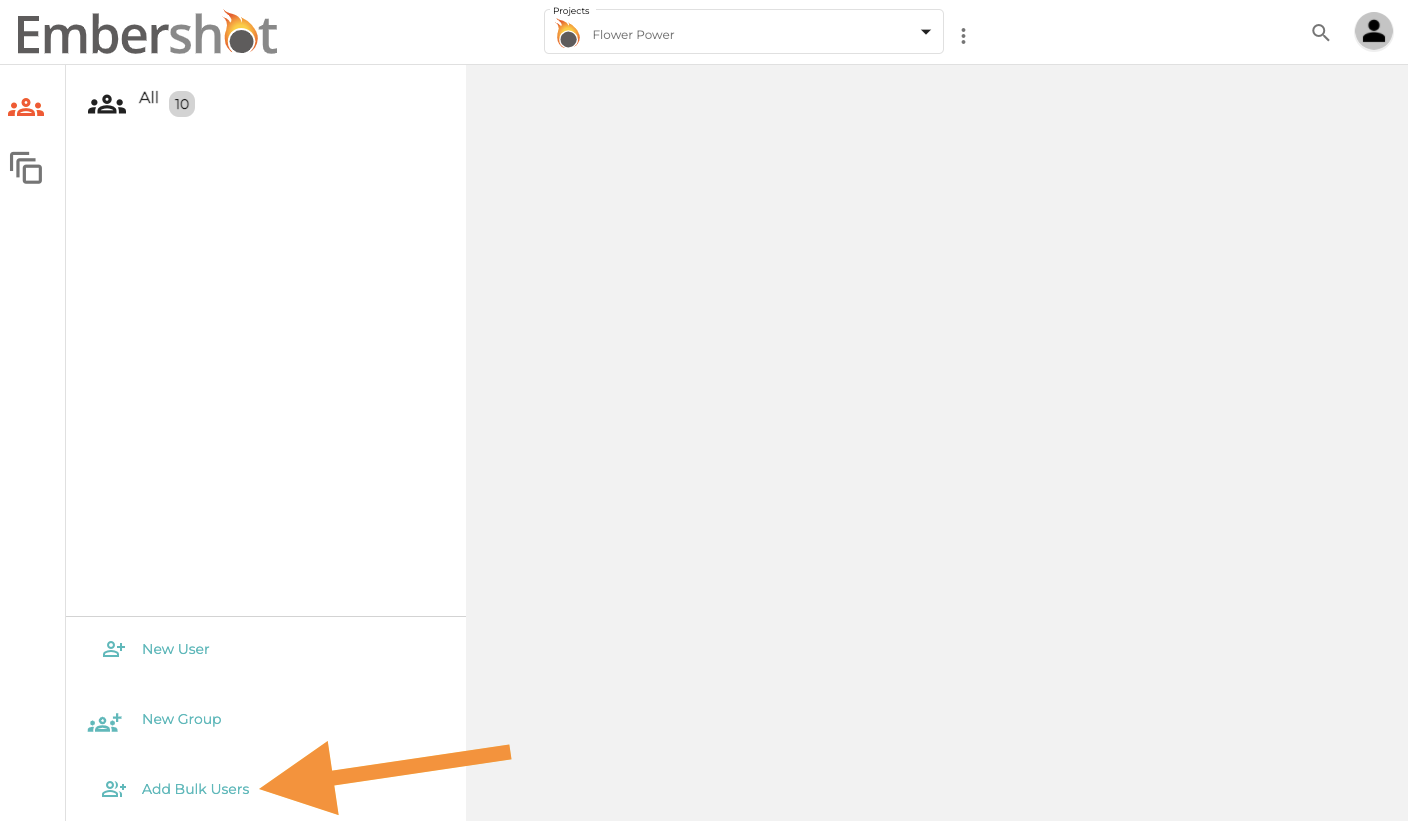
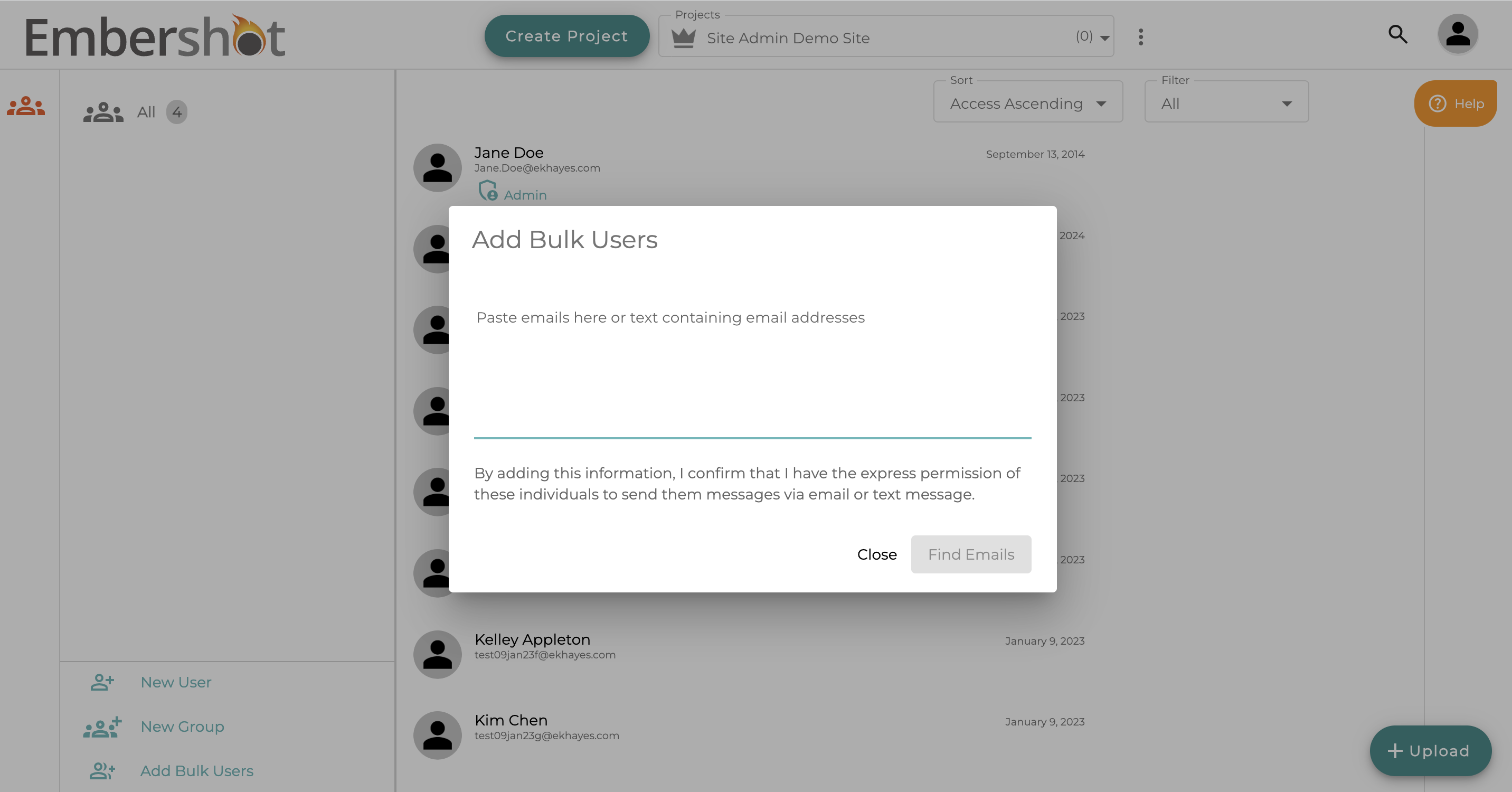
You can also add users in bulk by clicking the "Add Bulk Users" icon.