How to create a project as a Site Admin
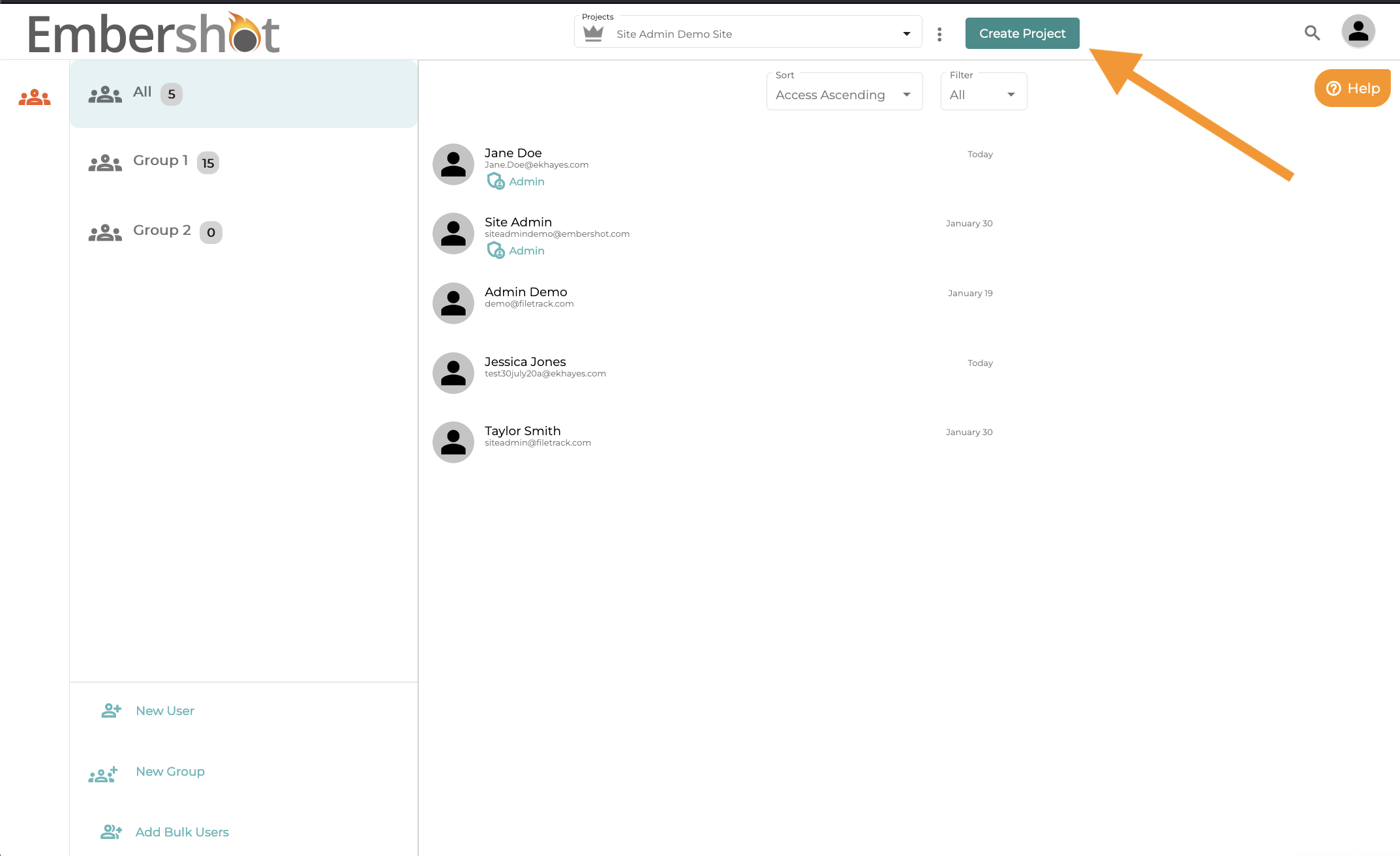
Step 1: Click "Create Project"
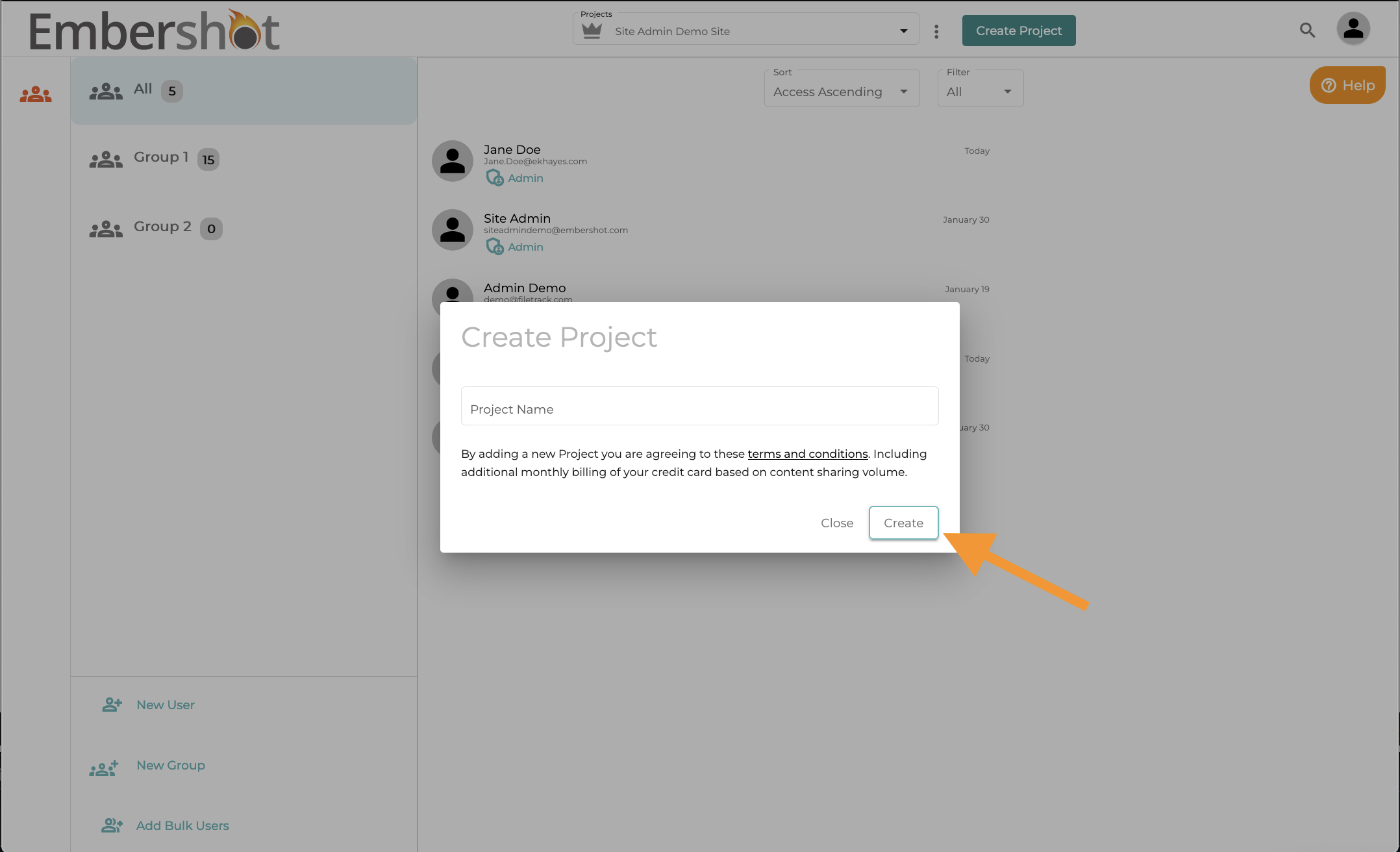
Step 2: Type in the name of your project and click "Create"
After you create the project you can add additional project admins or remove yourself as an admin.
Step 1: Click "Create Project"
Step 2: Type in the name of your project and click "Create"
After you create the project you can add additional project admins or remove yourself as an admin.